How to Save Changes
Any saved changes, even if not applied to the configuration will automatically apply when the server redeploys.
The first step when saving changes that have been made using the server control panel, is to click Save Configuration at the bottom of the page that the changes were made on.
- Save Configuration will save any configuration changes, but will not redeploy the server. This is a useful command if you are making multiple changes to numerous settings and want to wait until you've completed the changes to redeploy the server.
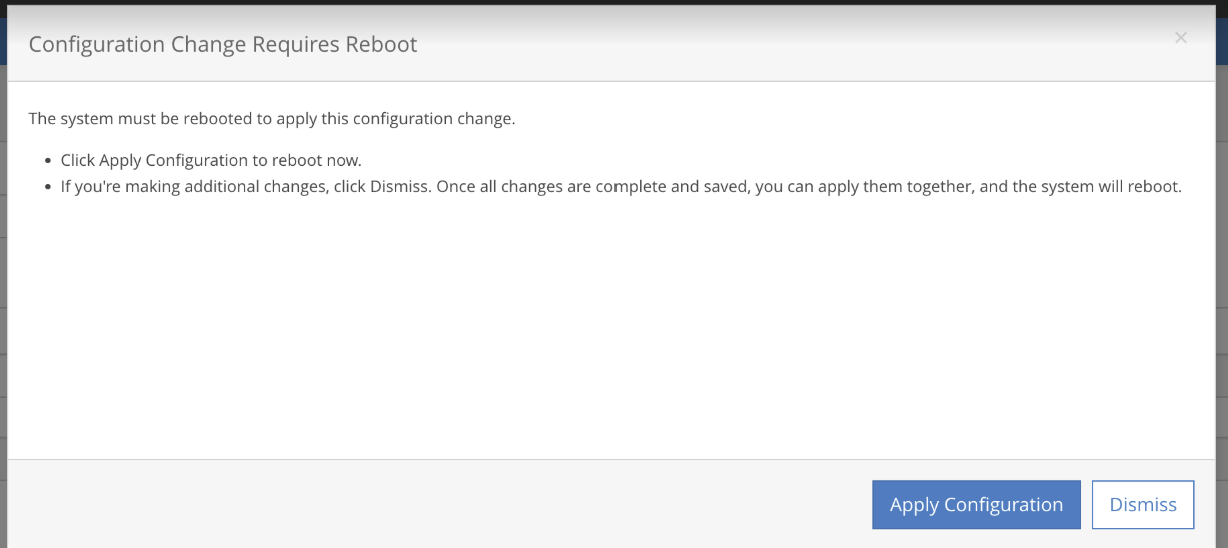
- The Configuration Change Requires Reboot dialog box opens. You will need to decide to apply the changes and start a reboot of the server, or to click Dismiss to continue to make changes or to reboot at another time. `5
- Click Apply Configuration to reboot the server immediately.
- Click Dismiss to continue to make additional changes on other pages.
All changes made using control panel are tracked the same as if you were editing the system config using CLI and then redeploying.
Unsave Changes
You cannot unsave changes. If you made a change by mistake, you must revert the field back to its original default setting, and then click Save Configuration and then Apply Configuration again.